
See who is really driving your AI spend
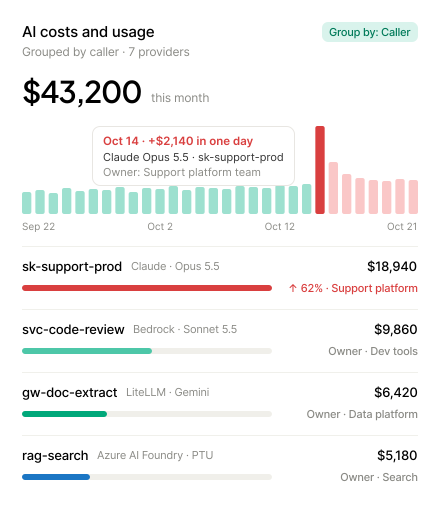




Trace AI spend past the provider bill to the team behind it
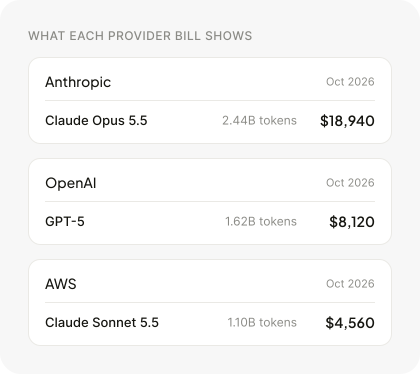

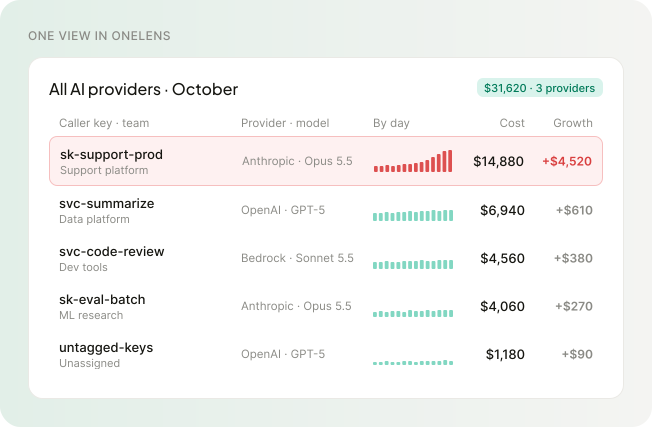
Understand AI spend at the level of every caller
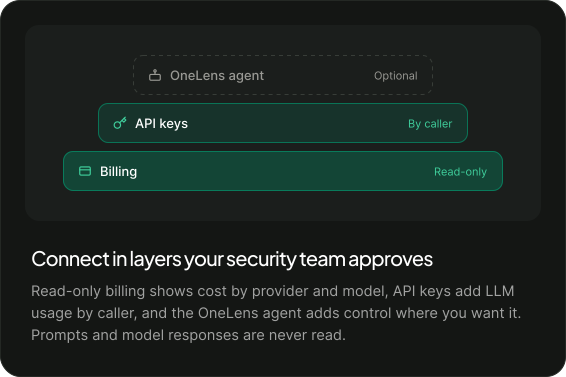

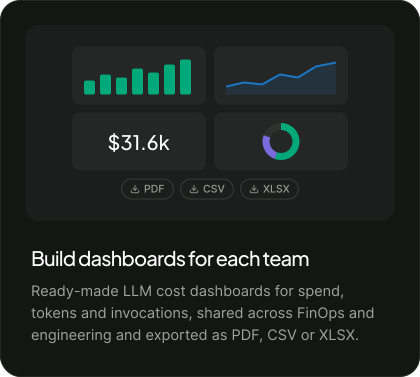
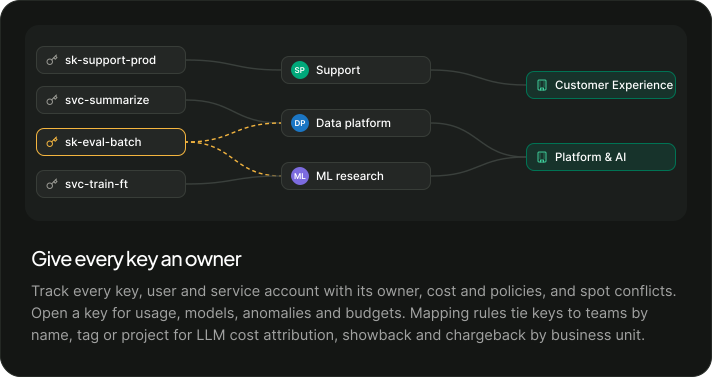
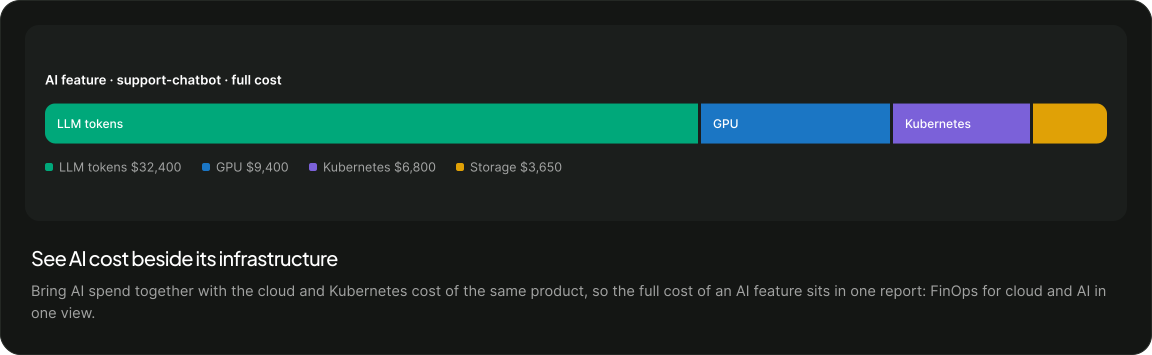
Answer every question about AI spend with the owner already attached
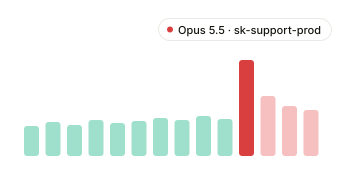
Explain a jump in spend
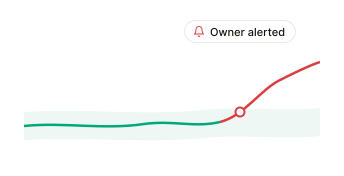
Catch a runaway key early
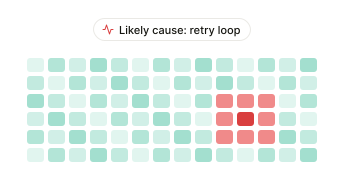
Find the cause of a request spike
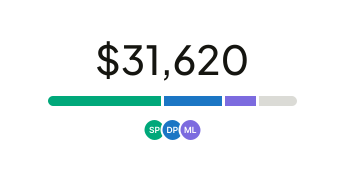
Report one AI number to finance
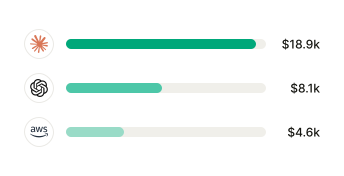
Prepare for a vendor renewal
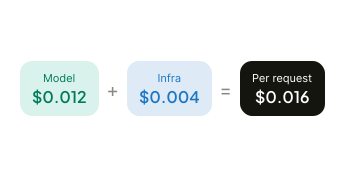
Price an AI feature
Once every key has an owner, you can put a limit on it
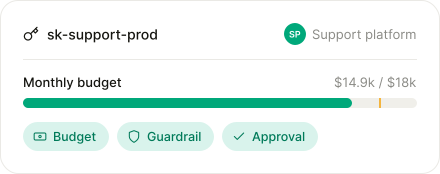
See your own AI spend by model, caller and team
AI cost visibility is seeing LLM spend by provider, model, caller and team. OneLens connects OpenAI, Claude, Bedrock, Gemini, Azure AI Foundry, LiteLLM and Cursor read-only for cost, tokens, invocations and savings in one view.
OneLens groups AI spend by caller, so the keys behind each feature roll up to its model cost, shown beside the cloud and Kubernetes cost of the same product. For cost per customer and the margin on each AI feature, see AI Cost ROI.
Add API keys to see LLM usage by caller, then use mapping rules to tie each key to a team by name, tag or project. OneLens rolls that cost up to business units for showback and chargeback.
The daily trend shows the day spend moved and the model behind it, and grouping by caller shows which key drove it. Every key has an owner, so the team behind the jump is already attached.
No. OneLens starts with read-only billing access, adds API keys for usage by caller, and adds its agent only where you want control. It reads billing and usage data only and never collects prompts or model responses.


